OPUS TOUCH
Productivity.
For Everyone.
IR Software for Productivity, Fault-Tolerance, and Connectivity.
Clear path. Clear solution.
We developed OPUS TOUCH for one purpose only: increasing productivity for both routine applications and complex research investigations.
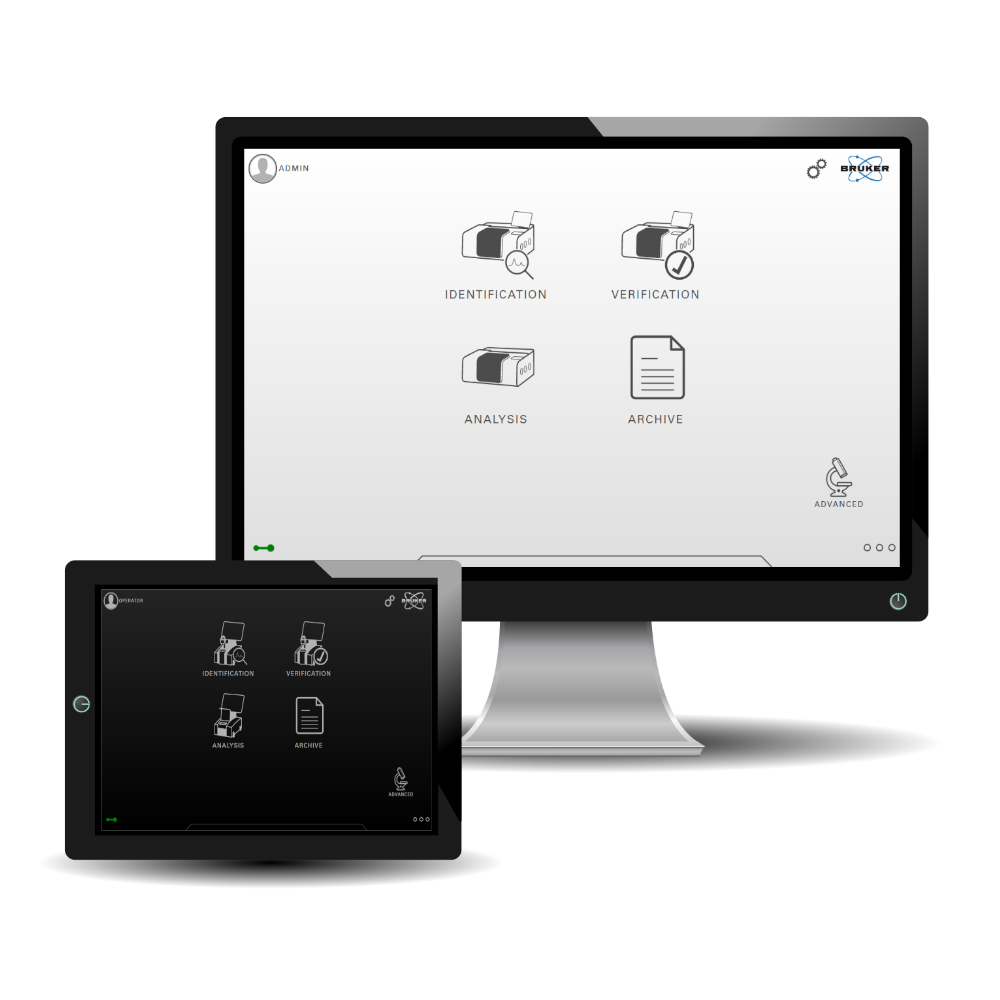
Here, the touch-centered operating concept plays the key part. Never has it been more intuitive to measure, interpret, and process IR spectroscopic data. Everything is available with just a few touches of your finger (or clicks of your mouse).
Our aim was to allow users to perform measurements more productively and faster, and to share, review and archive the data easily and securely. For the first time ever, an FT-IR software is not focused on 1001 methods of manipulating and treating data but simply on getting results and interpreting them.
It is the purest form of productivty and a promise: Ambigiuty no. Clarity yes.
One touch “Product” analysis for maximum efficiency in daily QC
Step #1: Homescreen Products

Step #2: Product Selection

Step #3: Product Measurement Screen

Step #4: Result View

Step #5: PDF Reports

Step #6: Trend View

The Most Productive FT-IR Analysis Software. Ever.
Use smart touch-sensitive hardware to get the most out of OPUS TOUCH. We always recommend the integrated touch panel PC but OPUS TOUCH is also compatible with commercially available hardware. It’s your choice, whether you prefer computers with keyboard, mouse and monitor or a portable windows tablet.
- Modern touch inspired interface for fast, intuitive operation
- One‑touch “Product” analysis for maximum efficiency in daily QC
- Trend view charts & tables for instant result tracking
- Method Builder for identity checks & quantification
- Product Editor with automated “Product” creation from verification methods
- Spectrum Viewer with full evaluation & processing toolbox
- Smart, self-adapting report generator (PDF)
- Automated LIMS export (CSV)
- Multi-language support
- Integrated file archive with smart filtering from database; local or network
- User-rights management & electronic signatures
- Customizable user interfaces per user or group
- Qualification Center for OQ/PQ & real-time instrument diagnostics
- Powerful Macro Engine for automated workflows
- Global audit trail & file history for full cGMP compliance
- Comprehensive video tutorial center
- Client UI for ONET network systems
- Use with touch panel computer, notebook, or desktop PC
OPUS-TOUCH Requirements
- Windows 11 (64 bit) PC, Laptop, or Tablet
- Mouse, Keyboard, or Touch Capacity