

LabScape Cloud
LabScape Cloud
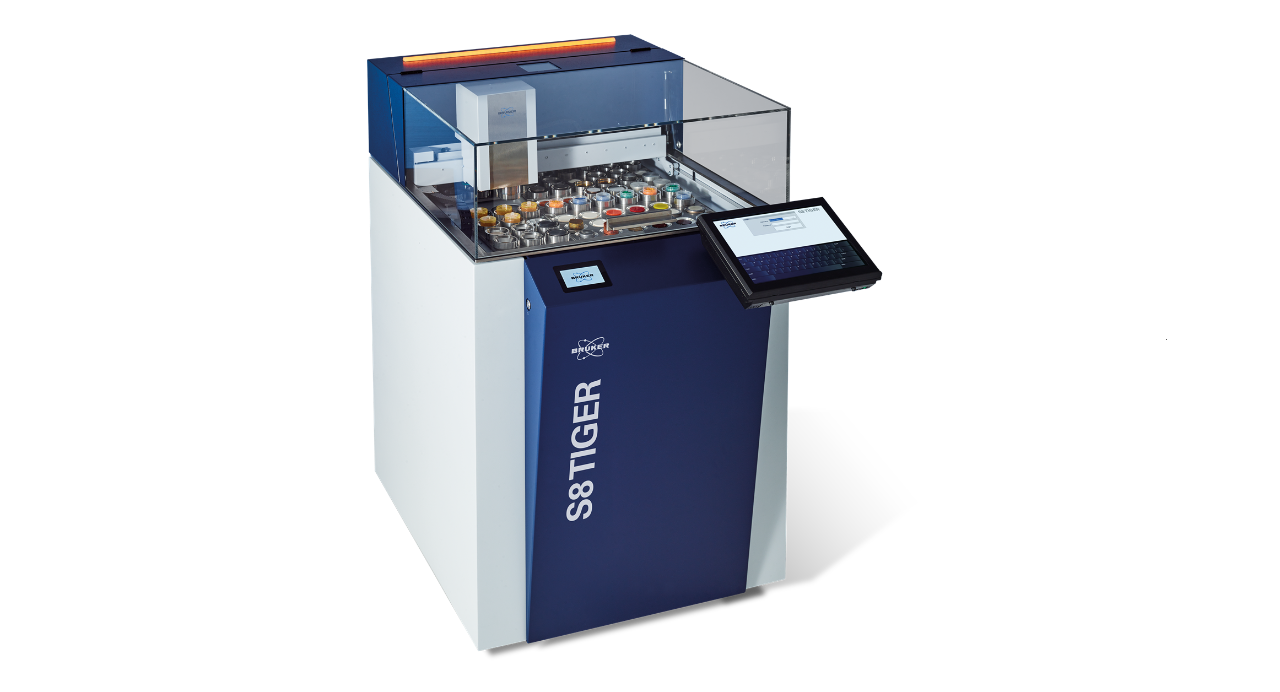
LabScape Cloud securely connects your S8 TIGER Series 3 to the cloud through a one-way data pipeline, ensuring data integrity and privacy. This connection unlocks advanced service analytics, proactive maintenance dashboards, and enhanced remote support capabilities—giving you real-time visibility into instrument health, fleet management tools, and powerful insights for faster service response. Built for scalability and security, LabScape Cloud helps you optimize performance and keep your operations running smoothly.

Benefits
Always-On Instrument Insight
- Real-Time Visibility: LabScape Cloud provides continuous, real-time monitoring of instrument health, usage, and performance. Users gain instant access to system status, enabling informed decision-making and rapid response to emerging issues.
- Early Warnings: The platform delivers early alerts for potential problems, helping to minimize unplanned downtime. By identifying issues before they escalate, organizations can maintain productivity and avoid costly interruptions.
- Remote Repair Enablement: Powerful insights into instrument performance allow for more effective remote troubleshooting and repairs, reducing the need for on-site interventions and accelerating resolution times.
Proactive Support and Maintenance
- Time and Usage-Based Alerts: The platform generates maintenance notifications based on actual instrument usage and operational hours. This enables users to plan service activities on their own schedule, optimizing resource allocation and minimizing disruption.
- Proactive Error Handling: The system automatically notifies Bruker support of potential issues—often before they are visible to the user. This proactive approach ensures faster response and resolution, keeping instruments running smoothly.
- Engineering Feedback Loop: Continuous data collection and analysis provide valuable feedback to engineering teams, driving ongoing improvements in instrument reliability and performance.
Security and Scalability
- Secure Data Pipeline: LabScape Cloud utilizes a one-way data pipeline with customer-controlled upload options, ensuring data privacy and security. The platform is built on a robust Microsoft Azure backbone, offering enterprise-grade protection.
- Flexible Deployment: Whether managing a single instrument or a global fleet, LabScape Cloud adapts to diverse customer needs. Its scalable architecture supports organizations of all sizes, facilitating seamless expansion as requirements evolve.
Universal Access and Integration
- Available for Every Agreement: LabScape Cloud is an available option for every LabScape Maintenance Service Agreement, regardless of whether you select LabScape Essential or the comprehensive LabScape Complete Plus package.
How it works
Connect: enable secure connectivity from the instrument or control PC to the LabScape Cloud portal.
Configure: choose what you share—diagnostic telemetry (required); measurement data (optional).
Monitor: view health indicators and utilization.
Support: Bruker experts use telemetry to diagnose faster and guide corrective actions; on site only when needed.

Technical Details and Requirements
Connectivity: outbound, encrypted connection from the instrument or control PC to LabScape Cloud endpoints.
Data control: Complete control over data: Decide what to share, without requiring Bruker service assistance.
Privacy & compliance: acceptance of T&Cs.
Advanced details (for IT review)
- MS Azure based architecture with data stored in Western Europe.
- One way outbound telemetry via MQTTS (port 8883) and HTTPS (port 443). TLS encryption with minimum required version 1.2.
No remote control of the instrument possible through the LabScape Cloud connection.
FAQ
During the factory warranty period, LabScape Cloud is an included benefit. After the warranty period, LabScape Cloud is included with all levels of LabScape service agreements (confirm eligibility with your Bruker representative).
Yes. Your cloud admin account can edit user roles and access in the customer portal.
No. LabScape Cloud complements all existing services by enabling proactive support and faster diagnostics, improving first time fix rate and reducing unplanned down time
Yes. The system sends data to the cloud but does not accept incoming data or commands.
LabScape Cloud Dashboard Preview


Ready to get started?
- Confirm eligibility and enable connectivity on your instrument(s).
- Run through onboarding process in Spectra Elements.
- Invite team members and set roles in the LabScape Cloud portal.
- Welcome to the future of elemental analysis and instrument ownership.


Option 1
Elevate your S8 TIGER series 3 experience with LabScape Cloud and discover the benefits of a connected laboratory. Click here to learn more.